Control your fixtures
Patch what you own, set it up once and address it by name from then on. The result goes out as DMX or Art-Net.

Rocket Show comes with a lighting designer and a 3D simulator, so you can see the show before a single fixture is hung.
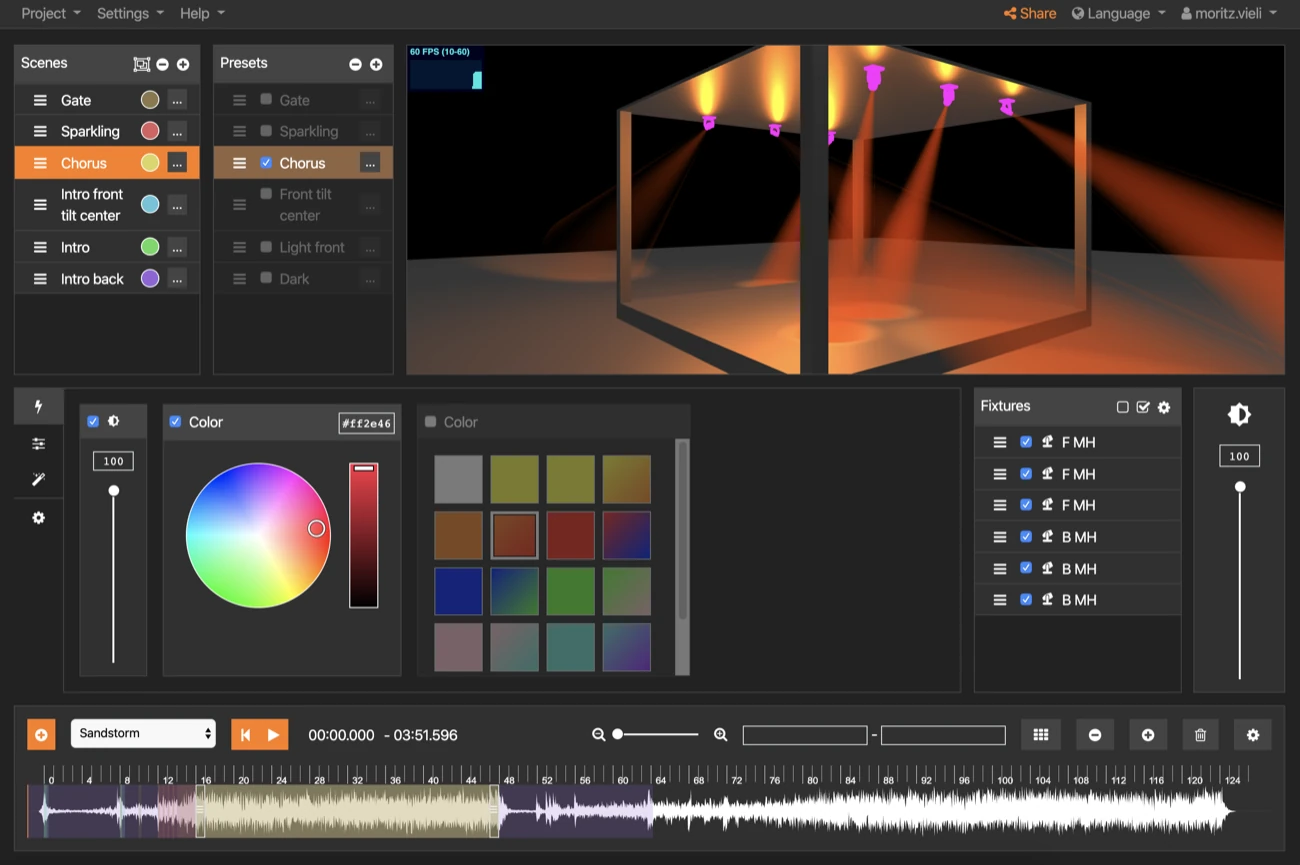
Patch what you own, set it up once and address it by name from then on. The result goes out as DMX or Art-Net.
Apply colours, settings and effects that would take an evening to program by hand — then adjust them while you watch.
Tie scenes to the timeline of the show, so the lighting lands with the track instead of a beat behind it.
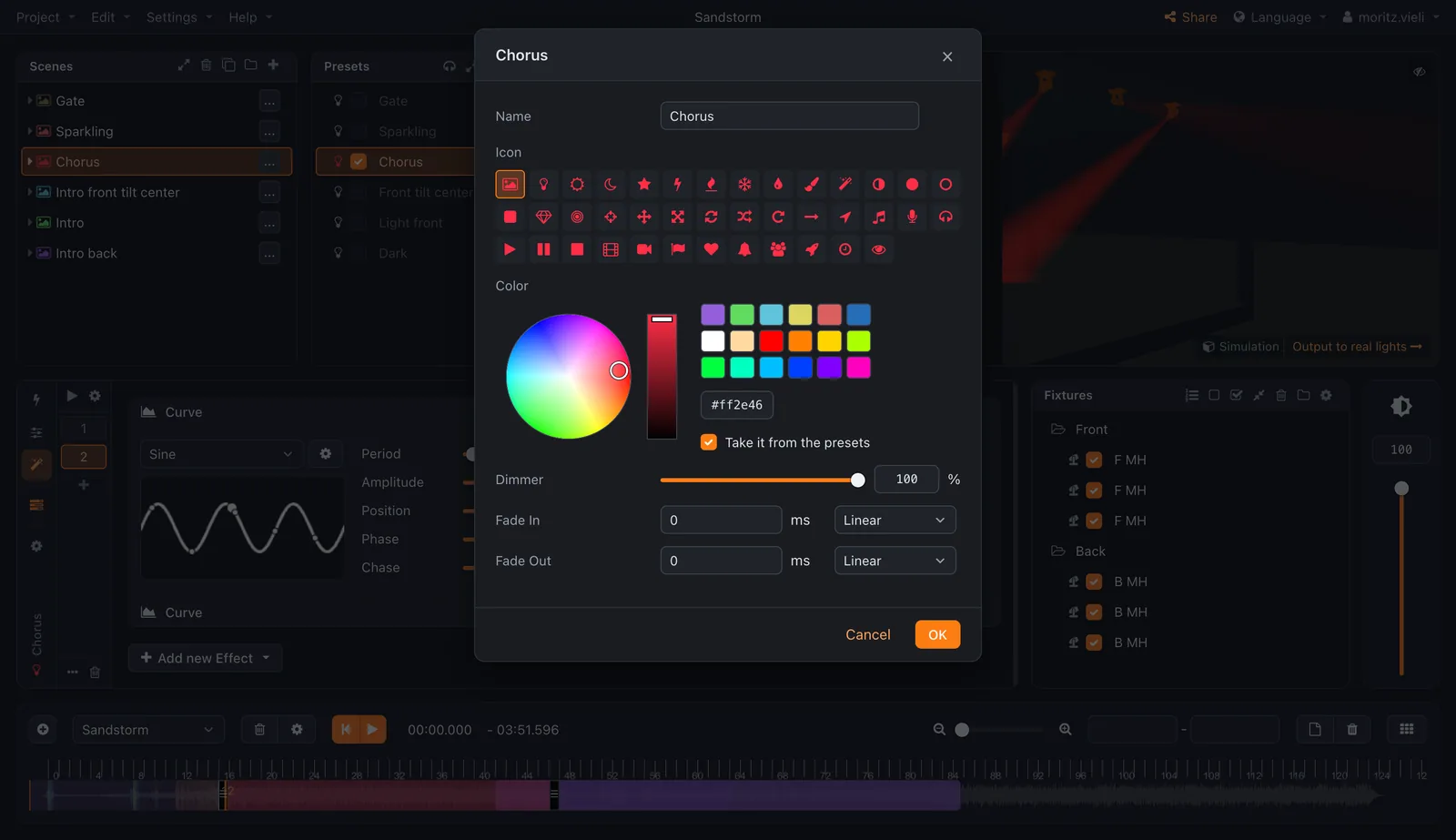
Design online, then export the project and import it on your own Rocket Show device — or the other way round. Nothing to install to try it.