Video output
Load MP4 files, assign them to compositions and play them out over HDMI — to a projector or any screen.

Audio, video, light and MIDI, played from one timeline and controlled from whatever device you already have in your hand.
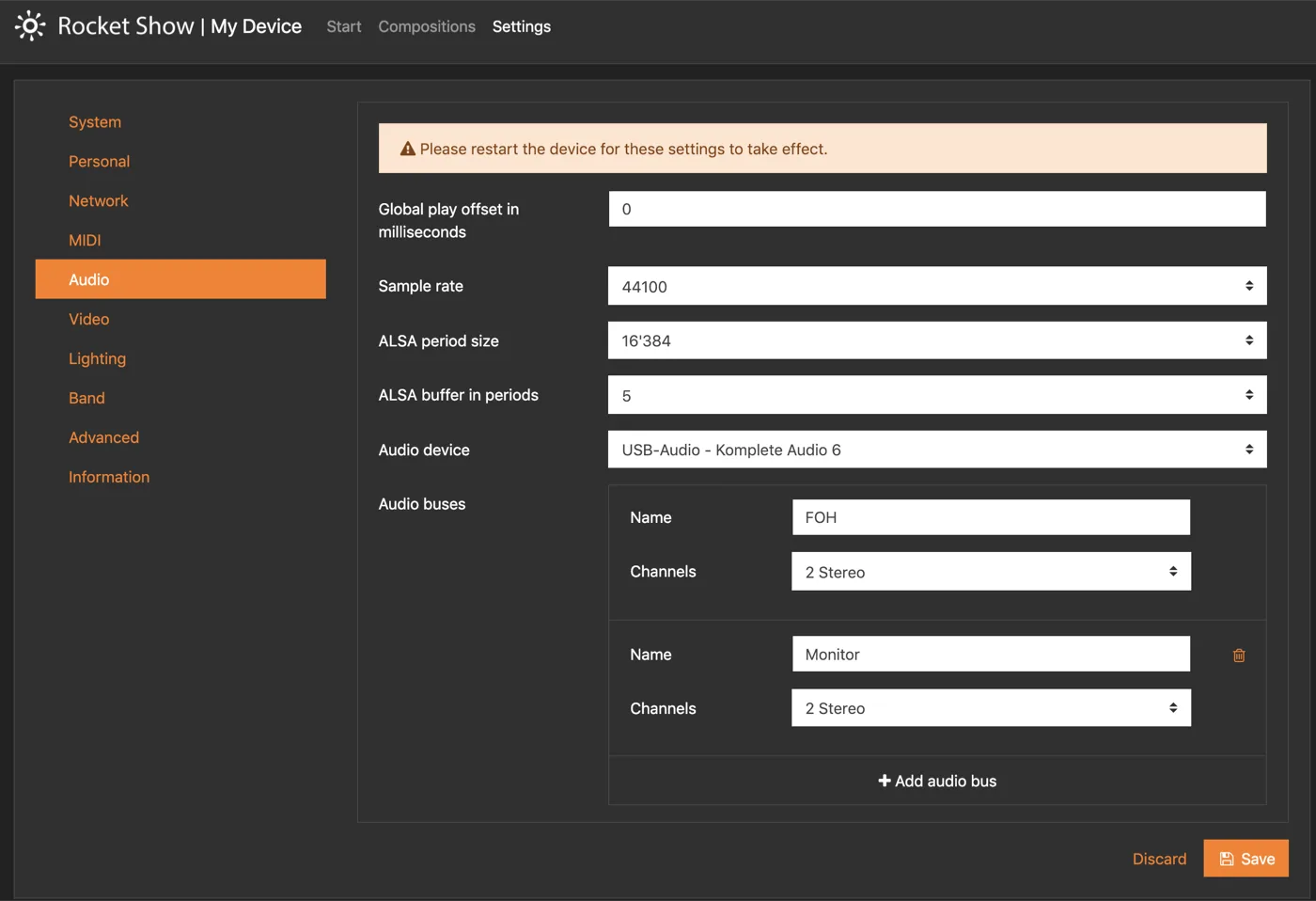
Add backing tracks, ambient effects or a click track to your composition — WAV, MP3, OGG and more. Send it out over an external USB sound card, with different files playing in sync on different channels, so the click reaches the in-ears and never the room.
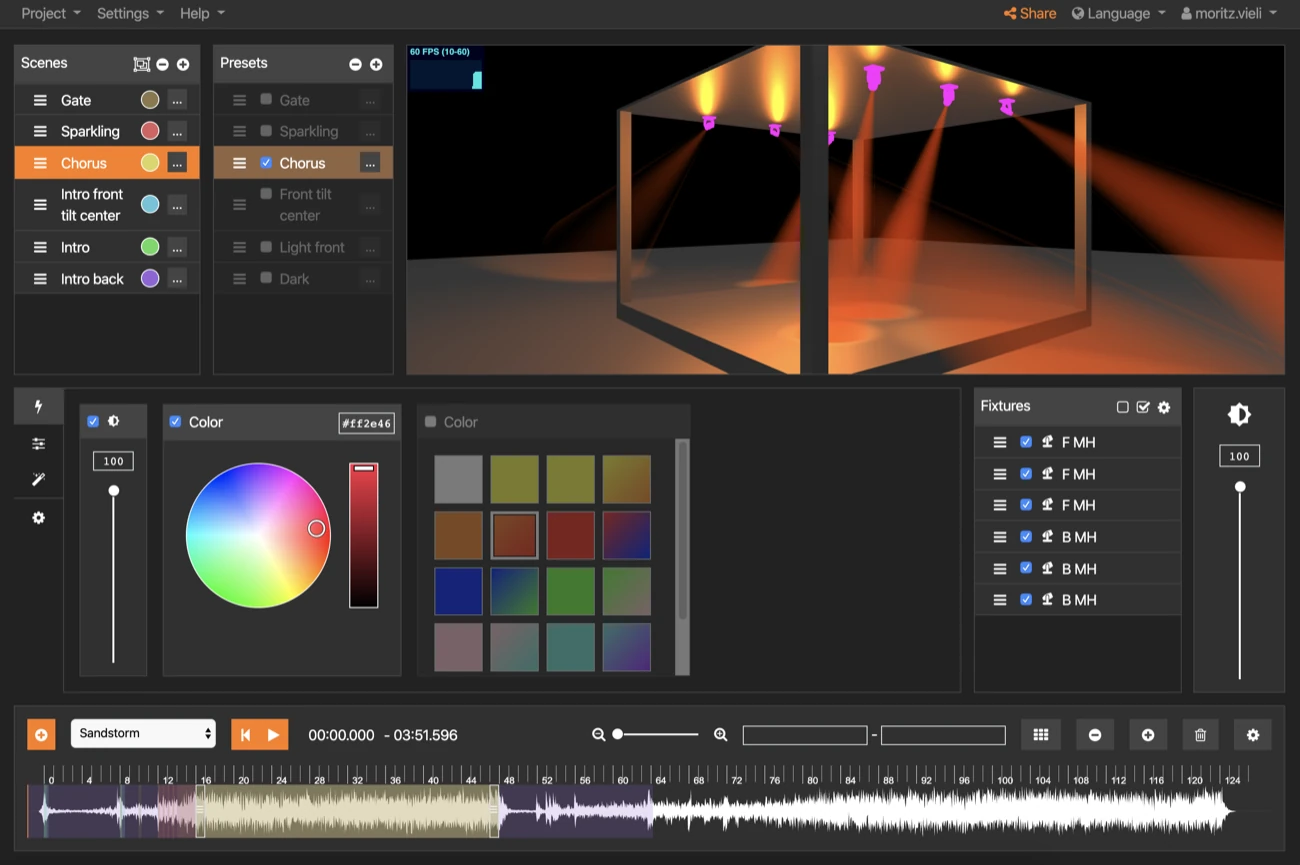
Build scenes in the lighting designer, or add MIDI files and have them converted straight into DMX over a USB interface. Assign a MIDI input to the light port and play the lighting live from a keyboard — channels and notes map however you want them to.
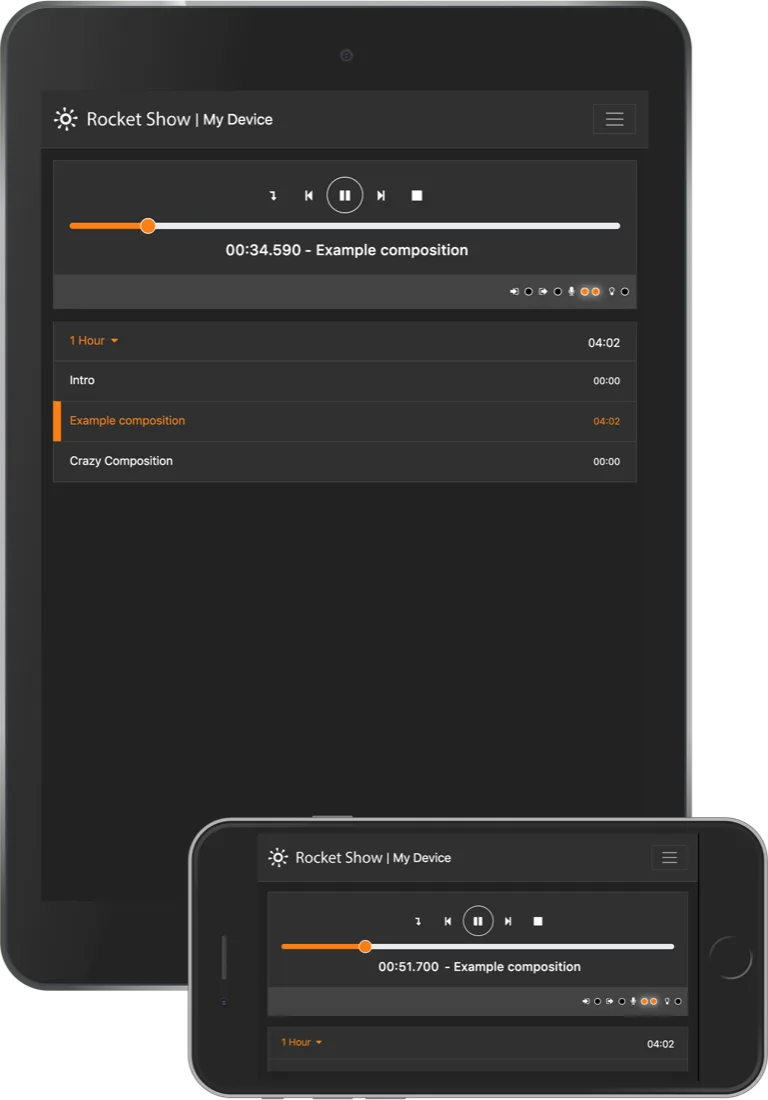
Use the phone, tablet or laptop you already own. Any modern browser will do: the interface is a proper app, easy to run under stage light and powerful enough to set the whole thing up.
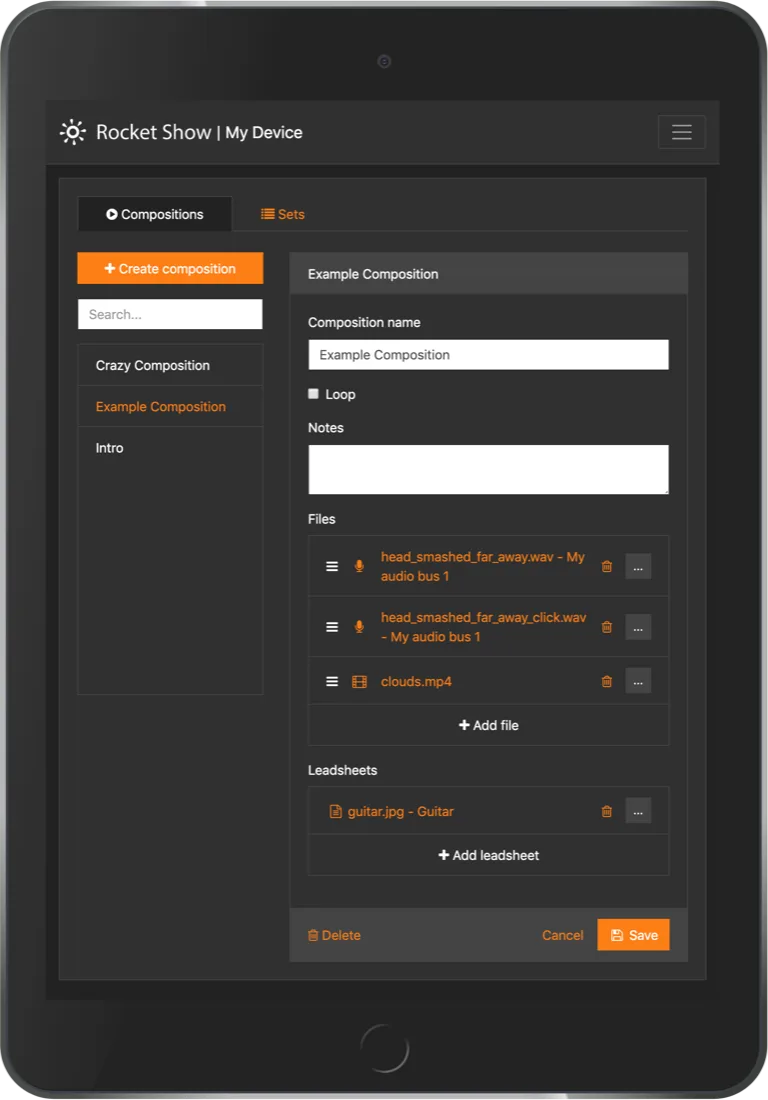
Group compositions into sets — one per event, one per slot, one per room. Load the set, and you are ready to start. Save them and reuse them for the next night.
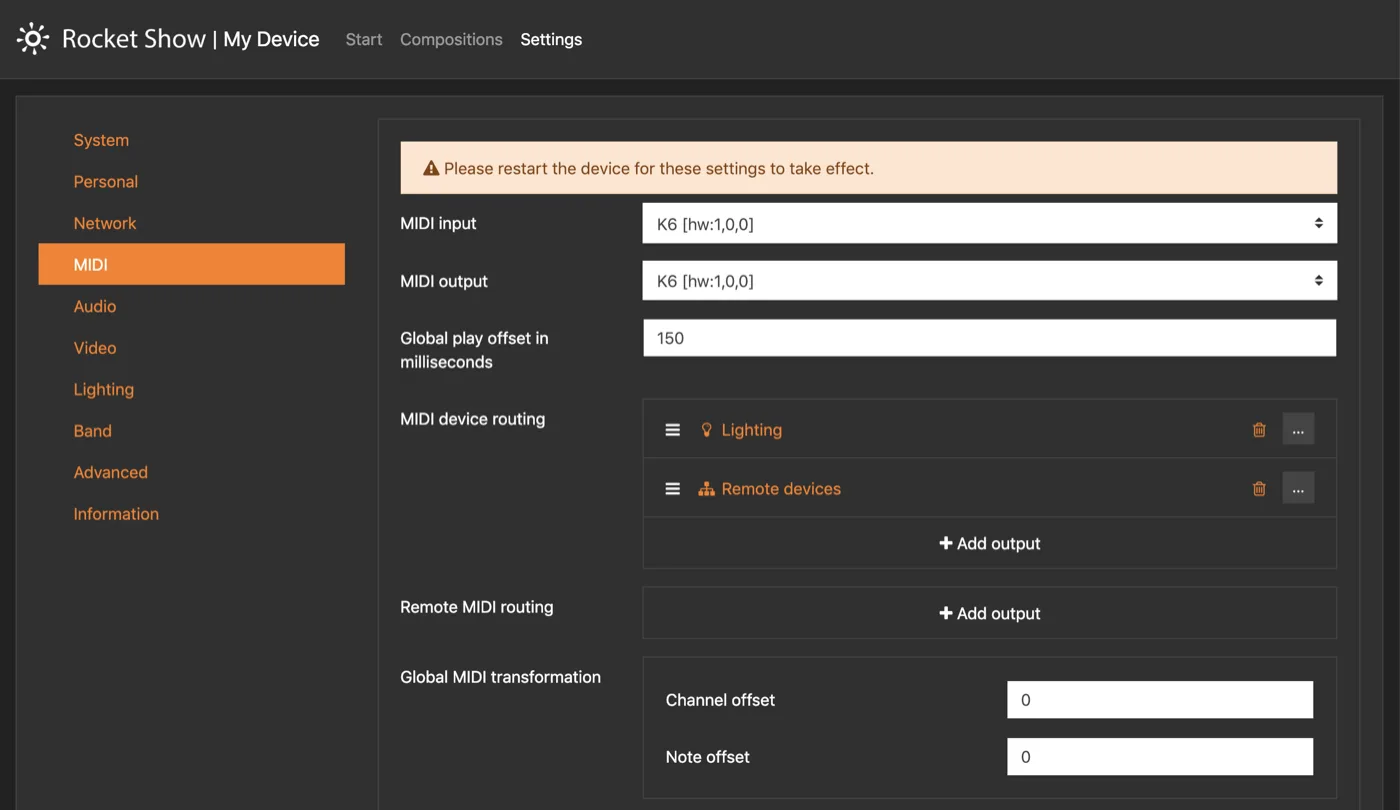
Route the MIDI input to the DMX light output, send MIDI from one Rocket Show device to another and let it flow on to its MIDI output, or play MIDI files in sync and patch them onward. The combinations are what let one system automate a very specific show.
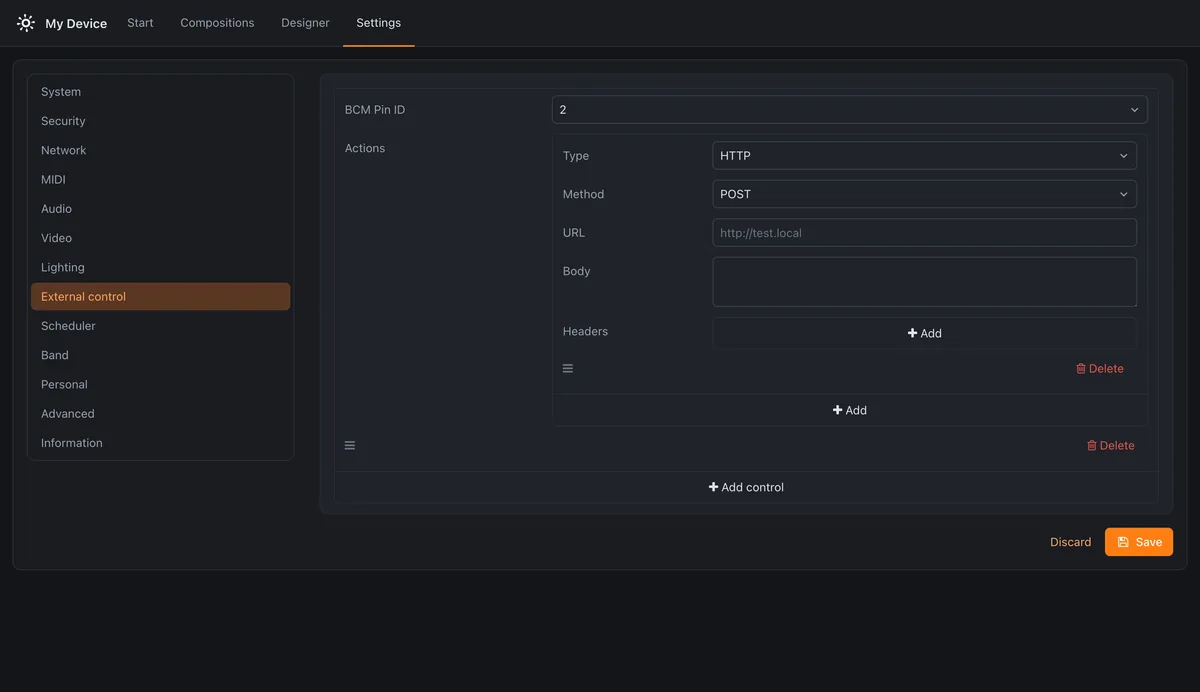
Put whatever should happen on a GPIO pin: start a composition, send an HTTP request to another system, send MIDI, or drive another pin high or low. A push button, a beam break or a relay from a PLC all speak this language — so the show takes its cue from the room instead of from someone standing at a laptop.
Load MP4 files, assign them to compositions and play them out over HDMI — to a projector or any screen.
Switch your digital amp to the solo channel without touching a pedal. Add MIDI files and let them drive your MIDI-enabled gear.
Already own a drum pad? Change composition, play and stop from MIDI. Channels and notes are fully configurable.
Connected to the internet, the device finds its own updates. We keep improving the software and adding to it.
Add as many units to the same network as you like — Wi-Fi, LAN or MIDI — and sync playback or chain the MIDI flow.
One system carrying sound, light, video and MIDI means less to rig, less to fault-find, and less stage time spent on setup.
Start a composition at a fixed time, or every few minutes from opening to closing. The room runs its own day and nobody has to be there to press play.
Install it free on a Raspberry Pi, or take the box that arrives ready to run.