Control your fixtures
Patch what you own, set it up once and address it by name from then on. The result goes out as DMX or Art-Net.

Rocket Show comes with a lighting designer and a 3D simulator, so you can see the show before a single fixture is hung.
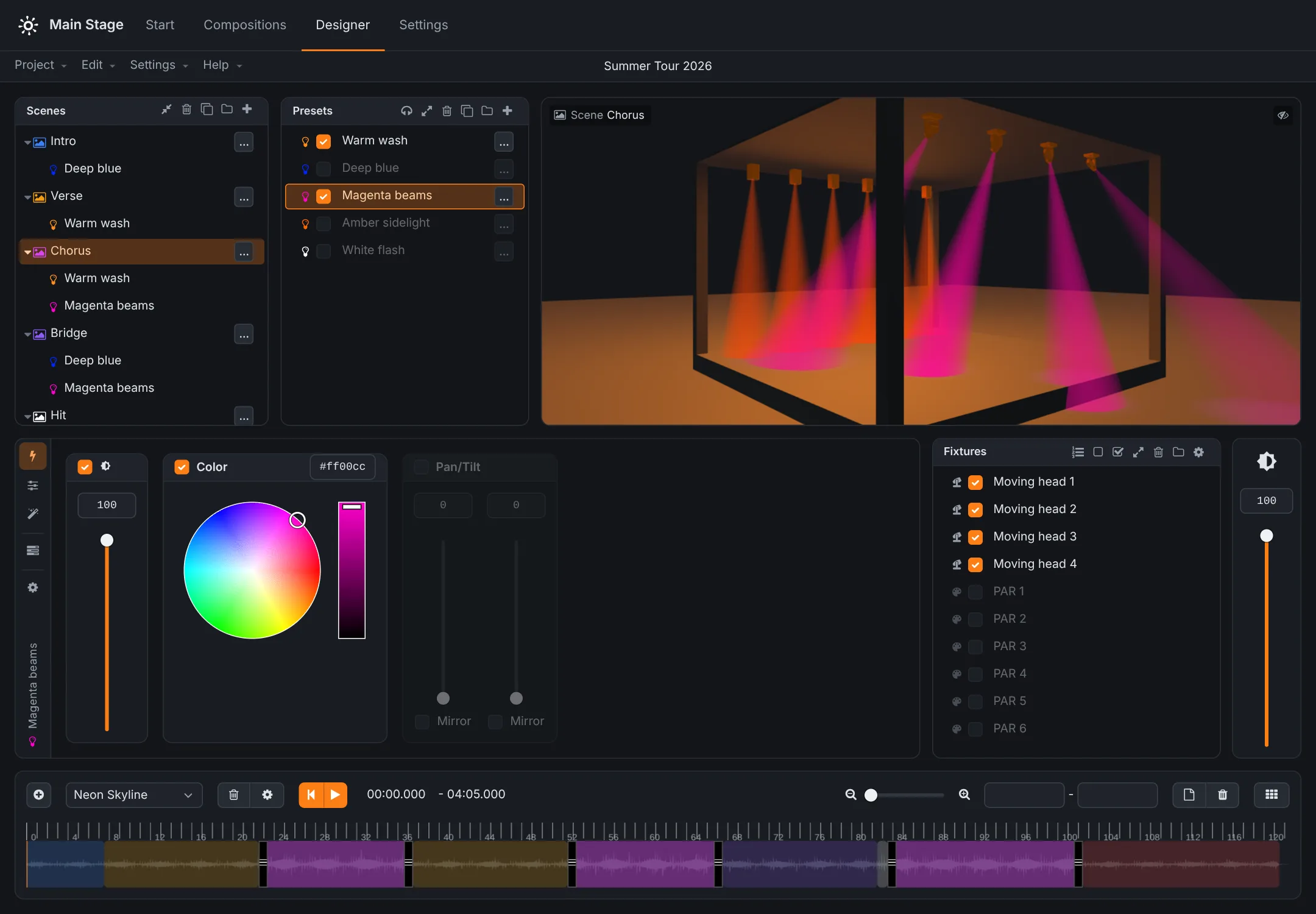
Patch what you own, set it up once and address it by name from then on. The result goes out as DMX or Art-Net.
Apply colours, settings and effects that would take an evening to program by hand — then adjust them while you watch.
Tie scenes to the timeline of the show, so the lighting lands with the track instead of a beat behind it.
Describe the show in a sentence and the AI designs the presets and scenes for your fixtures: one look, a song or a whole set. Watch every scene on the 3D stage before you keep it.
Chases, flows, fire, text and images over LED bars and matrices, spread across the whole stage, in your colours and following the music.
On Rocket Show, every scene becomes a button on the Start screen: tap, stack, flash and step through them with GO, on the tempo you tap, or from the pads of a MIDI controller.
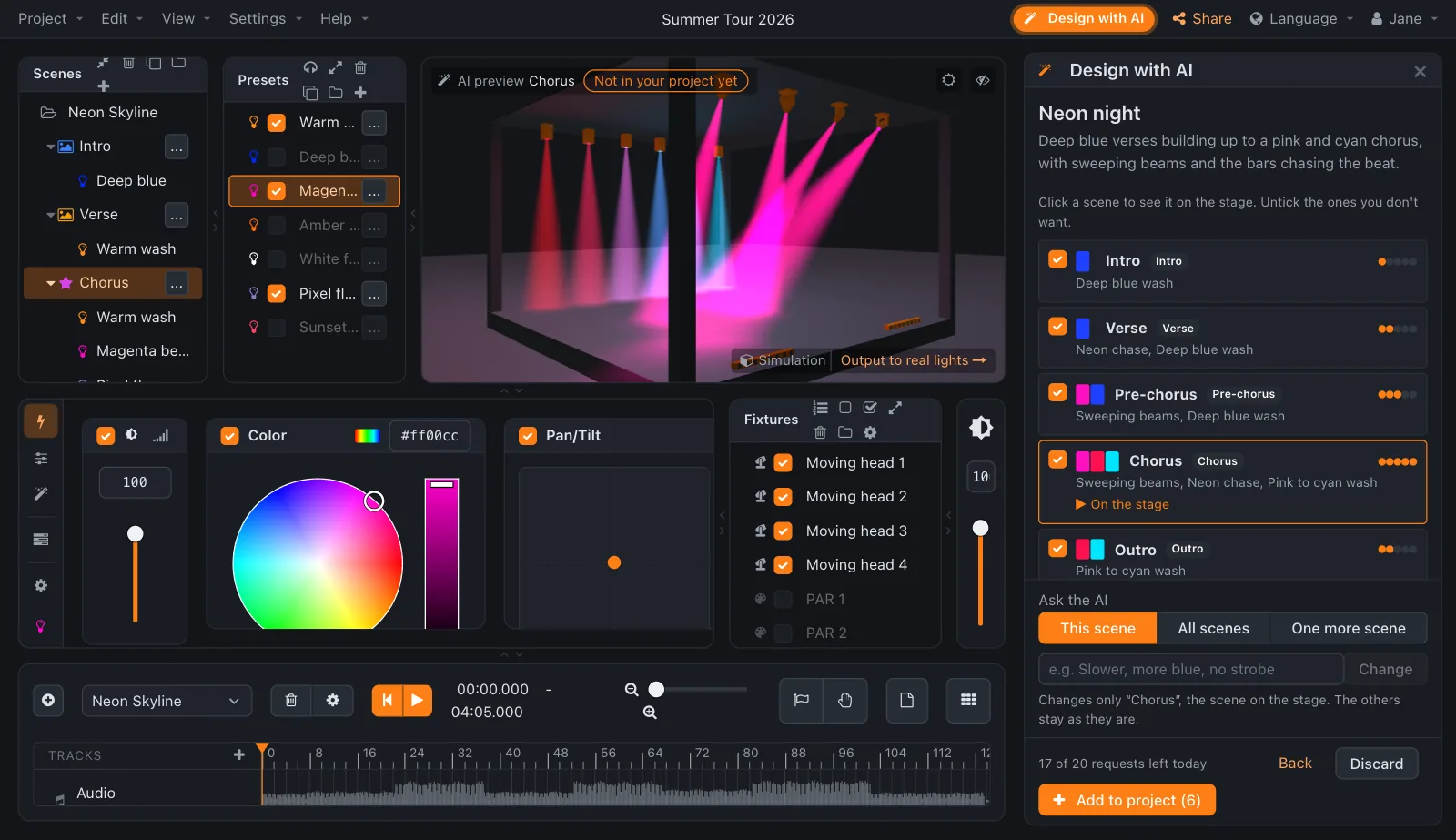
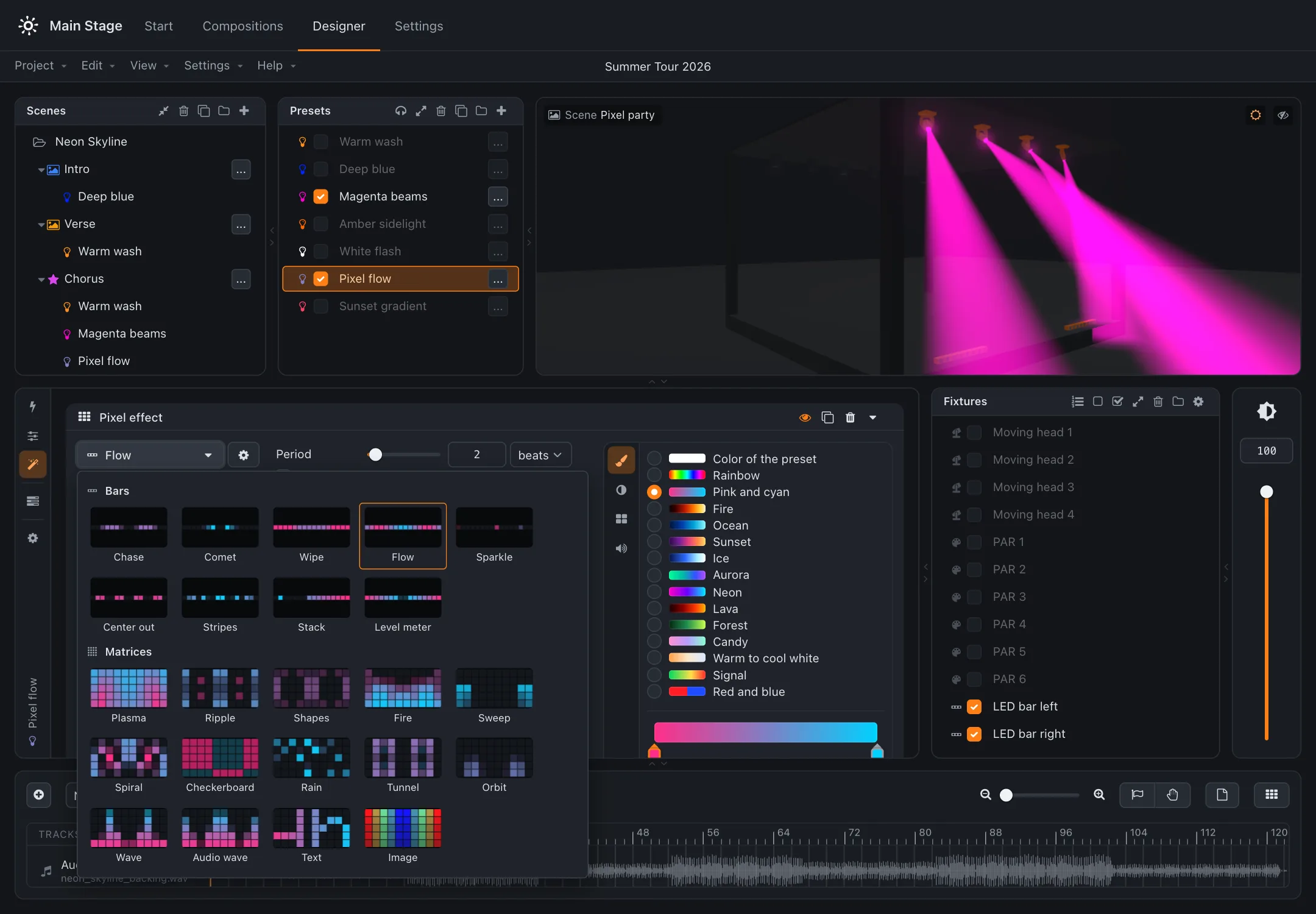
Design online, then export the project and import it on your own Rocket Show device — or the other way round. Nothing to install to try it.